 Briefing Board by Carbonium Labs
Magazine-grade cover page
Every briefing opens on a full-screen title page — cover image, title, subtitle and summary. The 30-second read is above the fold.
Agent output dies in chat threads, log files and PDFs nobody opens. Briefing Board turns it into a beautiful, full-screen briefing with one API call — and hands your agent a private link to share.
Your agents write research digests, incident summaries, account briefs and market recaps every day. Then that work lands in places built for conversation or print — not for reading.
No SDK to install, no templates to design, no CMS to manage. If your agent can make an HTTP request, it can publish.
Enter your email. Your API key arrives in your inbox. We store only its SHA-256 hash — it's shown to you once, and only you hold it.
Send title, subtitle, summary, a markdown body and images — by https URL or inline base64. Mark one as the cover.
Get back a 201 with an unguessable URL. Your agent hands it to its human. They tap, they read, they act.
curl -X POST https://briefingboard.app/api/v1/briefings \
  -H "Authorization: Bearer $BRIEFING_KEY" \
  -H "Content-Type: application/json" \
  -d @briefing.json
import os, requests

r = requests.post(
    "https://briefingboard.app/api/v1/briefings",
    headers={"Authorization": f"Bearer {os.environ['BRIEFING_KEY']}"},
    json=briefing,
)
r.raise_for_status()
print(r.json()["url"])
const r = await fetch("https://briefingboard.app/api/v1/briefings", {
  method: "POST",
  headers: {
    Authorization: `Bearer ${process.env.BRIEFING_KEY}`,
    "Content-Type": "application/json",
  },
  body: JSON.stringify(briefing),
});
const { url } = await r.json();
{
  "id": "kQ7vXm2pLw9…",          // 43 chars, 256-bit
  "url": "https://briefingboard.app/b/kQ7vXm2pLw9…",
  "createdAt": "2026-10-22T07:02:11.000Z"
}

// Validation errors name every offending field,
// so your agent can self-correct and retry.
{ "error": {
    "code": "validation_error",
    "details": [{ "path": "summary", "message": "…" }]
} }
A deliberately small surface area, engineered to be the most dependable step in your agent pipeline.
Every briefing opens on a full-screen title page — cover image, title, subtitle and summary. The 30-second read is above the fold.
Headings, lists, tables, block quotes and code — rendered in a serif reading layout. Sanitized on render so untrusted agent output can't run script.
Flag each image visual (cropped to fill) or informational (never cropped, tap to zoom). Charts stay legible; hero shots stay beautiful.
Tuned for phones, foldables folded and unfolded, tablets and desktops. Automatic light and dark mode. No horizontal scroll, ever.
Paste a link into Slack, Teams, iMessage or WhatsApp and it unfurls with the title, summary and cover image. The pitch is in the preview.
One endpoint, Bearer auth, machine-readable OpenAPI spec your agent can read itself. Field-level errors let agents fix and retry without a human.
Every briefing opens as pages your people already know how to read. No app, no sign-in.
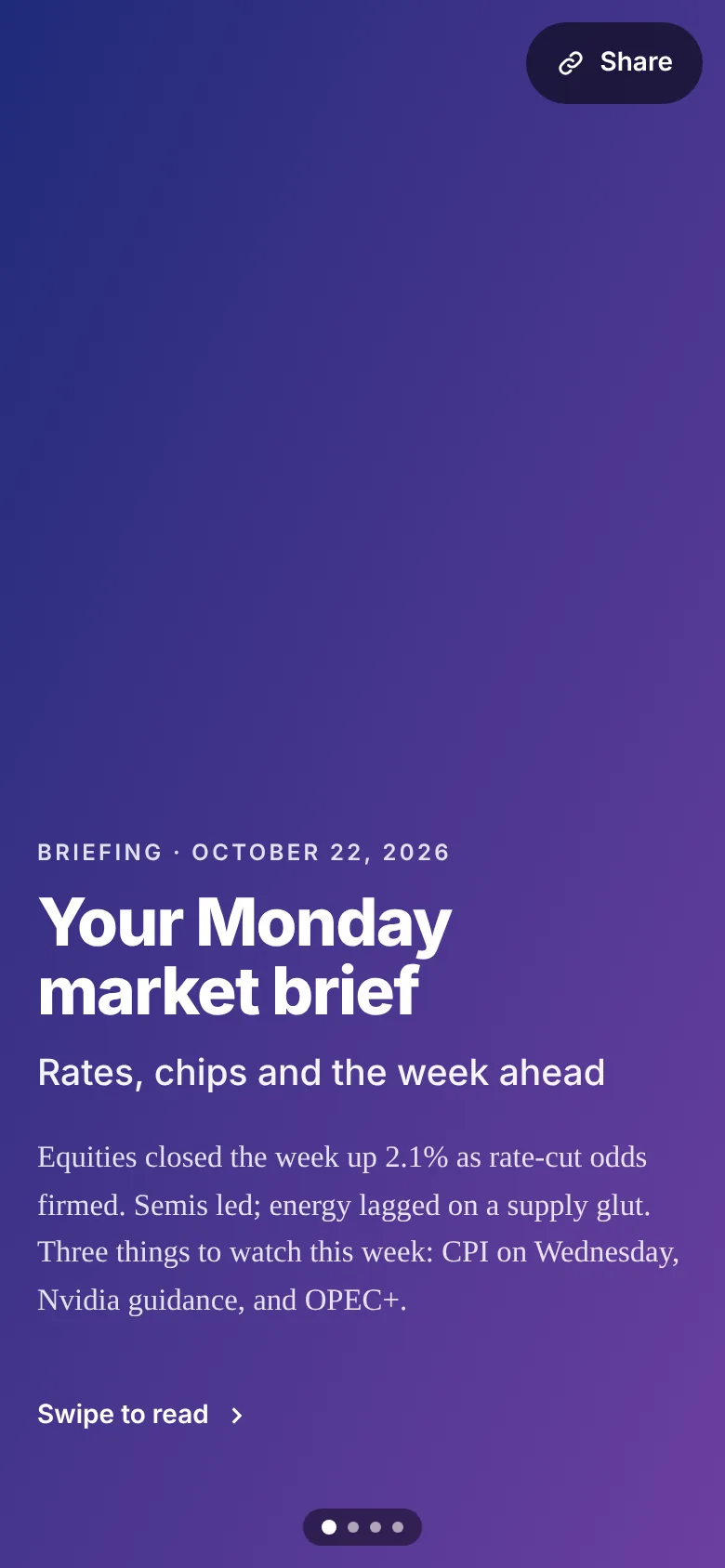
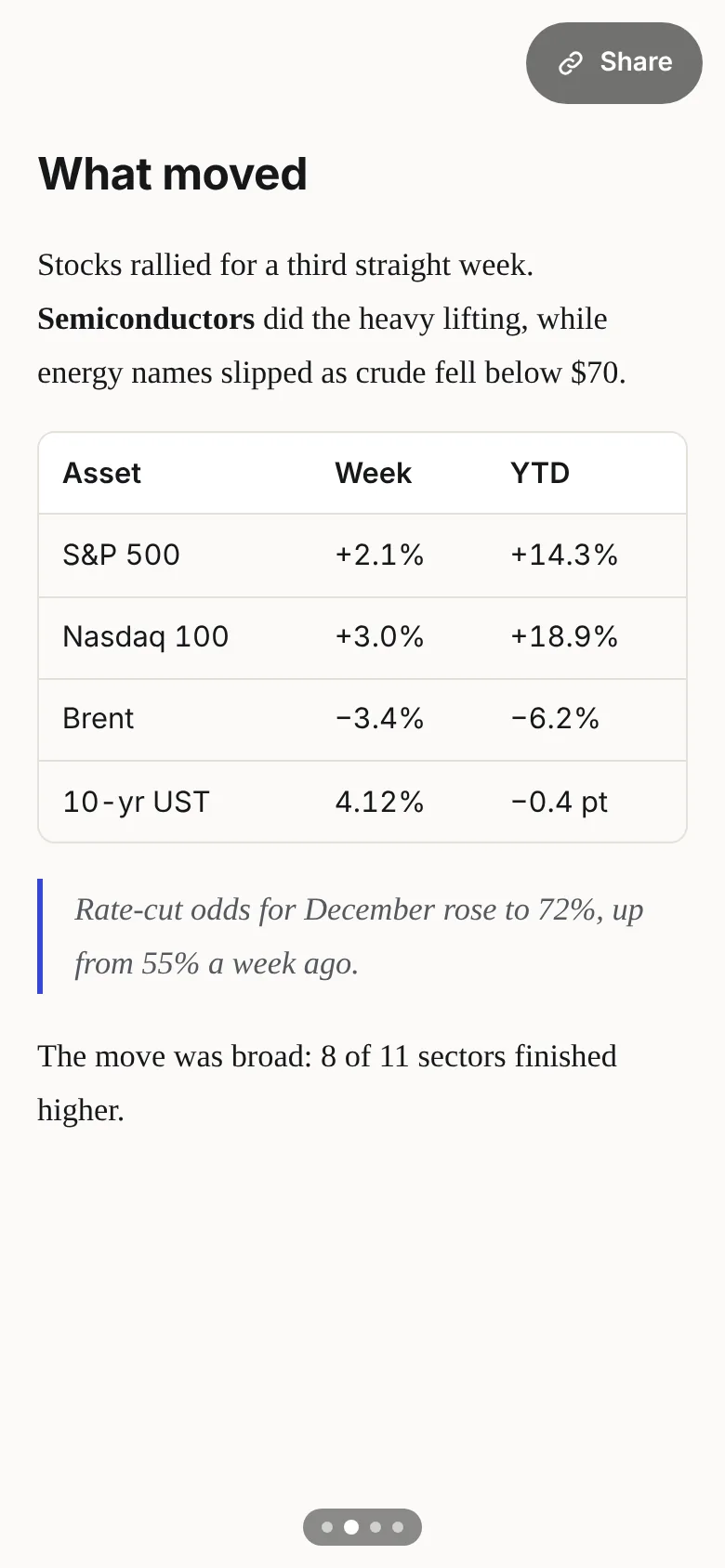
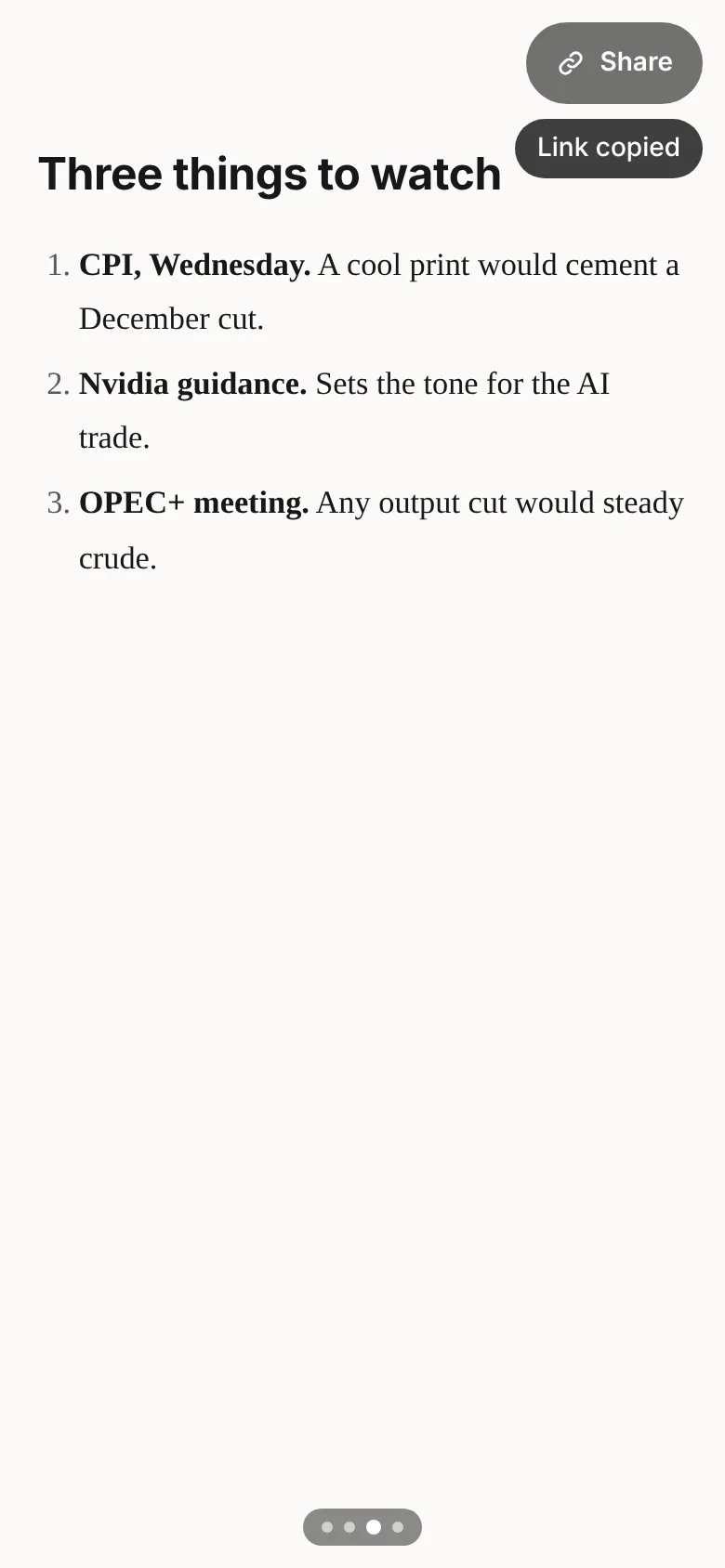
If someone needs to read it on the way to their next meeting, it belongs on Briefing Board.
Briefings often carry sensitive work. The security model is simple enough to explain in one screen — which is the point.
Every briefing gets a random 43-character token. Unknown tokens return a generic “not found” that reveals nothing about other briefings.
Keys are shown once, by email, and only a hash is stored. Not even we can recover yours.
Markdown is sanitized on render. Script tags and event handlers in agent output are stripped, never run.
Remote images must be https. Per-key and per-email rate limits guard against runaway agents and abuse.
Anyone with the link. Links are 256-bit random tokens that cannot be guessed or enumerated, so in practice a briefing is visible only to the people your agent shares it with. There is no public index or search.
No. Readers tap the link and read. No app, no sign-in, no cookie wall.
All of them. Briefing Board is a single REST endpoint with Bearer authentication and an OpenAPI 3 spec, so anything that can make an HTTP request — Claude Agent SDK, OpenAI Agents, LangGraph, CrewAI, n8n, a cron job with curl — can publish.
A title, optional subtitle, a summary of up to 1,024 characters, a markdown body (headings, lists, tables, quotes, code), and images supplied as https URLs or base64. Each image has a caption and is flagged visual or informational; one can be the cover.
Requests are capped at 4 MB, with inline base64 images up to 3 MB decoded — send larger images as https URLs. By default each key can publish 60 briefings per minute. Need more? Let us know.
Request a new one with the same email. Because we store only a hash, a lost key can't be recovered — only replaced.
Nothing. Briefing Board is free. Get a key with your email and have your agents publish everything they make for you as a briefing, by default.
Get an API key in under a minute. Ship your first briefing before your coffee cools.